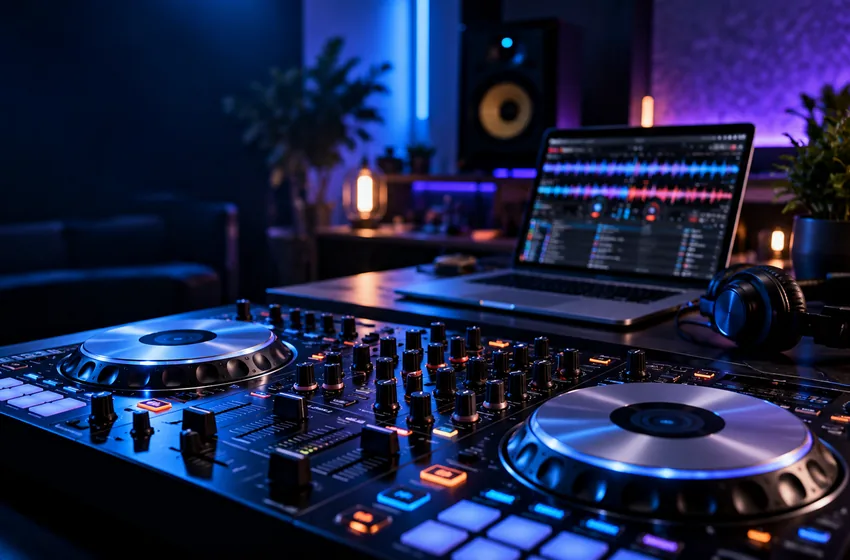
A minimum specification answers “will it launch?”; a working DJ specification asks whether the entire planned set remains stable.
What computer is suitable for VirtualDJ on Windows?
A supported Windows PC can be suitable for basic deck playback, but stems and video demand more processing power. Match your computer to the exact workload, compare CPU, RAM and graphics hardware with the publisher’s current specifications, and perform a full-length rehearsal before relying on the setup live.
For device-specific settings, follow the source links below and check the current software manual.
Menus and licensing can change between VirtualDJ releases. Use these steps as a learning framework and verify device-specific instructions in the official documentation.
01. Think in workloads, not one magic number
Two-deck audio playback, stems processing and video output place different demands on a computer. The official requirements page recommends Windows 11, at least 8 GB of RAM, and an Intel i5 or AMD Ryzen 7 class processor or better, while stems processing adds GPU considerations.
Use the vendor requirements as your baseline, not a performance promise: plugins, media formats, audio drivers and other applications all change real-world load.
What to do
- Describe your target setup: audio-only, stems or video.
- Compare your actual CPU, memory and graphics hardware with the official recommendations.
- Reserve free storage for your music collection and temporary files.
A supported operating system is not the same as guaranteed compatibility with every older controller.
02. Why graphics matter for stems
Real-time stem separation can ask for substantial GPU resources. The official Windows guidance specifically identifies supported NVIDIA or AMD graphics options, with higher VRAM recommendations for newer NVIDIA RTX cards.
If your computer does not meet those recommendations, test on representative tracks and consider preparing parts of your set in advance rather than relying on on-the-fly processing at a live event.
What to do
- Check your GPU model and graphics memory.
- Try a stem-heavy transition during a rehearsal, not at a gig.
- Watch for audio glitches while the computer is under load.
The output can be musically useful without being artifact-free; listen critically.
03. Test stability like a performer
Battery-saving policies, overloaded USB connections and background tasks can undermine otherwise adequate hardware. Use the exact controller, speakers and music files you will bring to the event.
An hour-long rehearsal with normal transitions is a more useful stability test than opening the application once and observing that it starts.
What to do
- Test on mains power when available.
- Avoid untested driver updates immediately before an event.
- Create a fallback playlist or playback device.
Re-check vendor guidance after major operating-system or software updates.
Three practical checks
Use these observable checkpoints before relying on this workflow. These are editorial practice suggestions, not results of independent device testing.
| Check | What good looks like | If it does not work |
|---|---|---|
| Workload match | Your intended audio, stems or video features meet documented recommendations | Compare the exact workload rather than a single minimum specification |
| Stable rehearsal | The setup runs a realistic session without dropouts | Review drivers, background load and cooling |
| Device support | Your controller and audio drivers support the chosen Windows release | Check manufacturer documentation before major updates |
Frequently asked questions
Is a computer that can launch VirtualDJ automatically ready for live use?
No. Real-time effects, audio drivers, background applications and connected devices can create problems not visible at startup.
Why does the graphics card matter?
Certain stem-separation workloads use GPU acceleration; processing demand and supported hardware vary by application release and feature.
Sources and further reading
This guide offers independent practice advice. Product specifications and available controls should be checked against the software publisher's documentation.
Send corrections or suggestions to our editorial inbox.