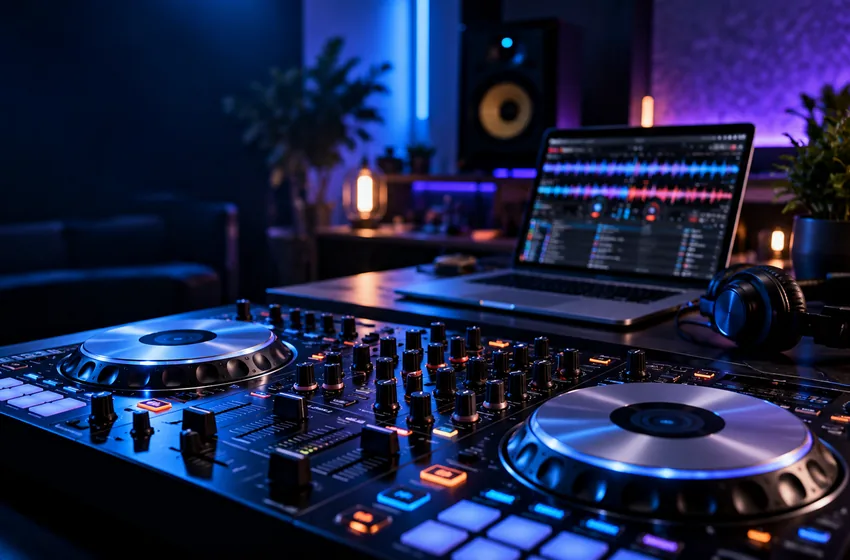
Windows Setup · 8 min
VirtualDJ on Windows: Your First Setup Checklist
A measured first-session plan for Windows 10 and 11, from audio output to a five-track practice library.
Read guideStraightforward VirtualDJ guides for Windows. Learn your setup, understand stems, improve transitions and turn technical confusion into creative confidence.
DJ Mix Guide is an independent English-language learning resource focused on VirtualDJ for Windows. It offers original setup, audio-routing, controller, stems and mixing tutorials, with no software downloads or license sales. For official downloads, accounts and licensing, contact the software publisher directly.
Follow a path from first launch to reliable sessions, or jump straight into the technique you want to improve.
A clean beginning: system requirements, library habits, audio routing and first launch.
4 guides ↗02 / PATH↗Transitions, EQ, tempo matching, stem preparation and musical decisions.
4 guides ↗03 / PATH↗Understand cue paths, controller mapping and reliable signal flow.
3 guides ↗04 / PATH↗Methodical fixes for silence, dropouts, library confusion and latency.
3 guides ↗05 / PATH↗Plan sets, organize tracks, practice transitions and prepare a repeatable routine.
3 guides ↗Original explainers and practical checklists, written for common Windows DJ workflows.
A measured first-session plan for Windows 10 and 11, from audio output to a five-track practice library.
Read guide
What vocal and instrumental separation can add to a transition—and what it cannot promise.
Read guide
How to compare cue controls, audio interfaces, mapping support and physical layout without hype.
Read guide
A calm decision tree for missing output, incorrect channels, muted faders and disconnected devices.
Read guide
Separate ordinary playback needs from the extra graphics and memory demands of stems and video.
Read guide
Design an arc of energy with practical alternatives instead of following a rigid preselected order.
Read guide
Vocal and instrumental separation can create space in your transitions. Learn when to use it, how to hear artifacts and why a simple mix sometimes works better.
Understand stemsGet the concept without the jargon. Know what each tool can—and cannot—do.
Follow short practical checks that fit real Windows and hardware situations.
Use focused exercises to test the sound, not just watch an on-screen indicator.
Keep reliable notes, backups and a setup you can reproduce next session.
Clear explanations for the questions that come up before your first session.
VirtualDJ offers free use for qualifying non-professional home practice without professional DJ hardware. Other uses, including many controller configurations and professional work, may require a license. Check current official licensing rather than assuming every use is free.
Yes. The publisher lists Windows 10 and Windows 11 as supported operating systems; capability and performance depend on hardware and planned features. See our Windows specifications guide.
Yes, when your audio hardware and routing provide a suitable separate preview path. A single ordinary stereo output is not always enough for independent stereo master and headphone feeds. Read the master/headphones setup guide.
No. We are an independent educational publication. We do not distribute software, manage licenses, sell downloads or operate official VirtualDJ support.
DJ Mix Guide is an educational publication about VirtualDJ—not the software publisher, a download portal, or a license reseller. We distinguish practical advice from official requirements and link to primary documentation where details can change.
How our guides are researchedStart with one problem, follow one guide, and turn it into a repeatable skill.
Start exploring